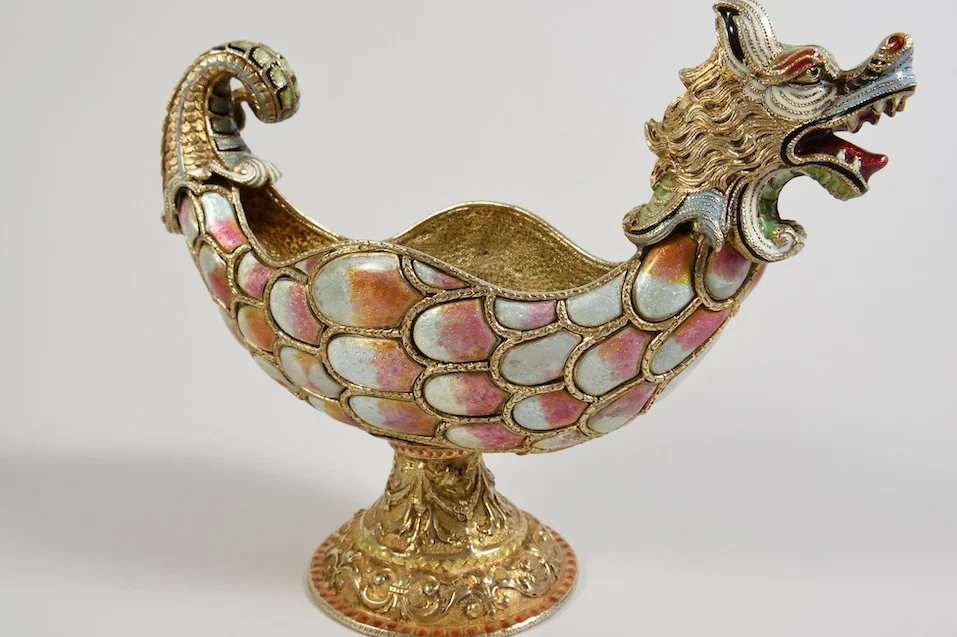
Chimera centerpiece, Vienna, late 19th c.
Kolb Antik
Chimera centerpiece, Vienna, late 19th c.Chimera centerpiece…sold for €2,860
Help

My details

How do I change my bank details?

  1. Under “My details”, choose “Edit” next to “Bank details”.
  2. Enter the IBAN and account holder. Write the account holder exactly as at your bank.
  3. Choose “Submit for review”.

We check new bank details before we apply them. Transfers already initiated go to the account used for them. You can leave bank details blank when registering or completing your details. We need your IBAN for a payout by bank transfer.

Didn’t this help? Write to us

How do I change my name, address, or phone number?

To change your phone number, choose “Edit” next to your bank details; the phone number is in the same form. If your phone number or bank details are missing, choose “Complete your details”. We review your details before we apply them. We change your name and address on request; please call us. “History of your details” shows every change.

Didn’t this help? Write to us

How do I sign out on all devices?

Under “My details”, “Sessions” lists all devices where you are signed in. Choose “Sign out on all devices”. Afterwards, you sign in again with a new sign-in link. This is useful if you no longer use a device or have lost it.

Didn’t this help? Write to us

Can my documents also go to my tax advisor?

Yes. Open “My details” and choose “Add” next to “Also send documents to”. Enter the address, for example your tax advisor or your DATEV document inbox. It only receives documents and payment reminders, with all PDFs attached. For your security, we email you every time it changes.

Didn’t this help? Write to us

Trouble with the portal?