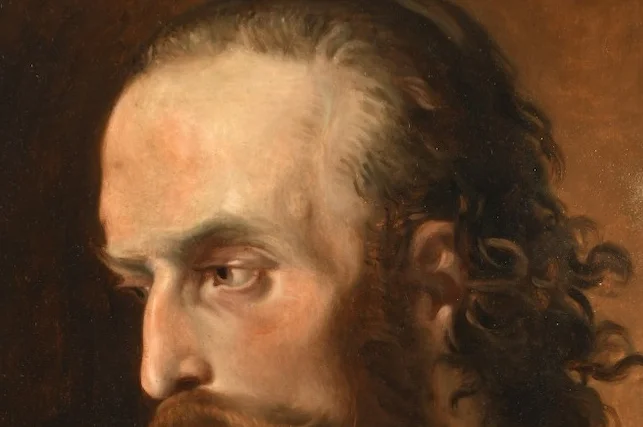
Head of a man, attributed to Anselm Feuerbach
Kolb Antik
Head of a man, attributed to Anselm FeuerbachHead of a man, attributed…sold for €1,810
Help

Documents

Which documents belong to a settlement?

After the auction ends, the list first shows as “Preliminary”, with the preliminary information. After settlement, up to three documents belong to it: the “Settlement” (hammer prices less commission), the “Fee statement” (fee for unsold items), and the “Offset statement”. “What you receive” shows the result of the list and every other item separately, for example a transport invoice, a bonus, or an advance. The offset statement is not another invoice. It only shows how we offset the documents against each other. Please book the individual documents, not the offset statement as well.

Didn’t this help? Write to us

How do I pay an open invoice?

Open invoices are shown at the top of “Documents” with “Awaiting payment”. Open the invoice. Under “Payment details” you find the recipient, IBAN, payment reference, and amount; you can copy each one. The easiest way is to scan the “GiroCode for the bank transfer” with your banking app. If you have already paid, you do not need to respond to a payment reminder.

Didn’t this help? Write to us

How do I find a specific document?

Under “Documents”, enter a number, a list, or an item in the search field. Use “You receive” and “You pay” to filter documents by direction. Without a search, documents are sorted by month.

Didn’t this help? Write to us

How do I download documents?

Open the document and choose the button under “Document”. Depending on the file, it says “Download PDF”, “Download photo”, or “Download e-invoice”. If there is a reminder, “Download reminder” appears next to it. Use “Download all documents as a spreadsheet” to get an overview of all documents, for example for your bookkeeping. To download the items of a settlement, use “Download items as a spreadsheet”.

Didn’t this help? Write to us

Trouble with the portal?